 I finally managed settled down on Kubuntu 11.04 after lots of unsuccessful attempts with Ubuntu 11.04. I can say i have an almost perfect dual booting system with Windows 7 and Kubuntu 11.04 now.:
- My Music, Movies, Documents are stored on a separate 200GB partition which can be accessed by both OS. I made the drive auto-mount in Kubuntu by modifying /etc/fstab file.
- My Windows 7’s Firefox bookmarks, saved passwords and browsing history are now synchronized to my Kubuntu’s Firefox using using Firefox sync. Its really great. The browser transition is really smooth 😀
- My Kubuntu bit torrent client (KTorrent) can continue downloading and seed a torrent initially started from Free Download Manager(FDM) on Windows 7. However FDM doesn’t resume the download where KTorrent leaves it. It re-downloads the chucks again. Hope FDM would fix this issue later. Else i might switch to another bittorrent client.
- My Desktop wallpapers are shuffled from the same picture directory on both OS.
- I changed my Kubuntu Apache localhost directory to one created by XAMPP on Windows 7. That’s the main reason that allowed me to finally settle down on Kubuntu. The default directory is located at “/var/www/”. This location is very “manhoose” (inauspicious/evil). Despite being an administrator, you can’t freely save or edit anything there without using the ‘sudo’ command lines in the terminal. This really sucked.
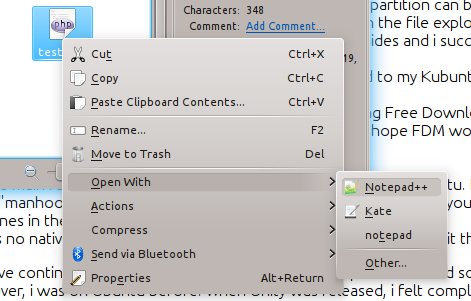
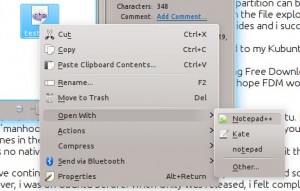
- I use the same editor i used on Windows i.e. Notepad++. The editor does not run natively on Linux and you would have to use Wine emulator.
If i didn’t have such a Dual Boot system, i would have continued to use Windows 7 as i have read somewhere that Change just for the sake of Change is counter-productivity. Moreover, the Ubuntu Nattay Narwhal’s Unity just pissed me off. *sigh*
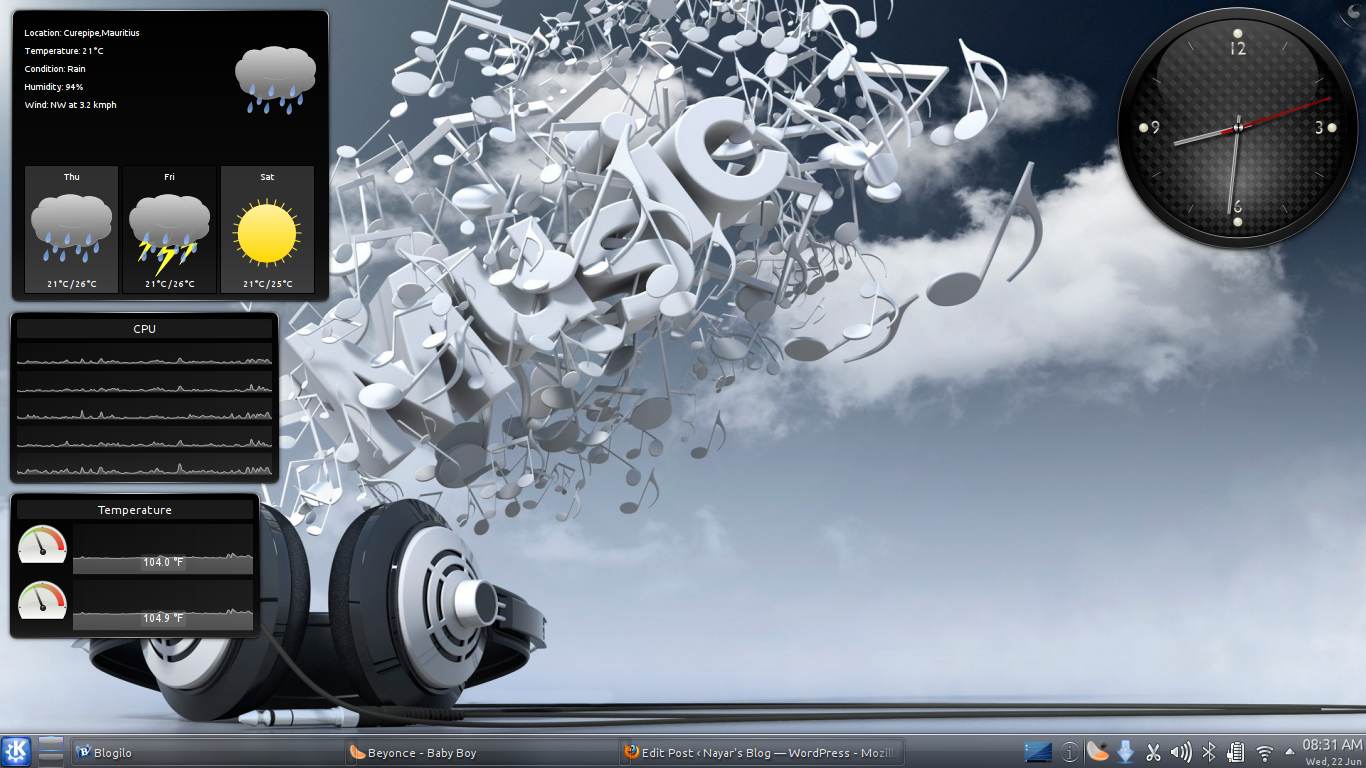
Anyways, Kubuntu FTW!!!