My Friend Abdur from PyMug recommended me attend events on lu.ma. I found this awesome Vibe Coding Meetup from convex. I didn’t know convex company nor products so I decided to go there and try it out.
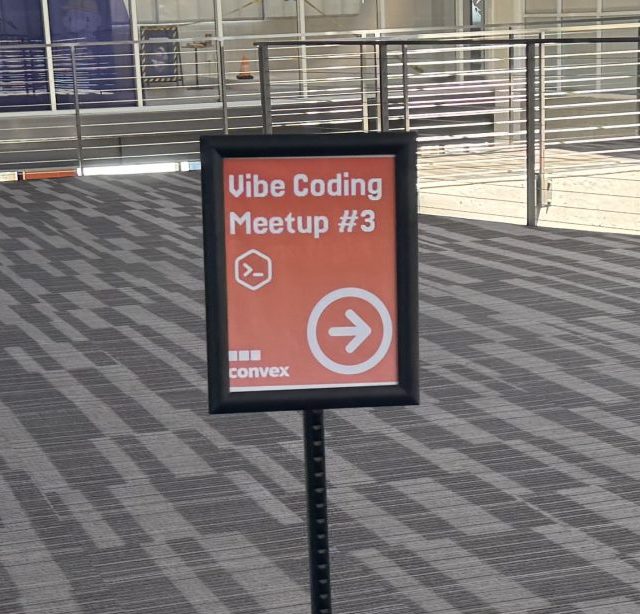
I was greeted by Wayne and he guided the participants on how to get started.
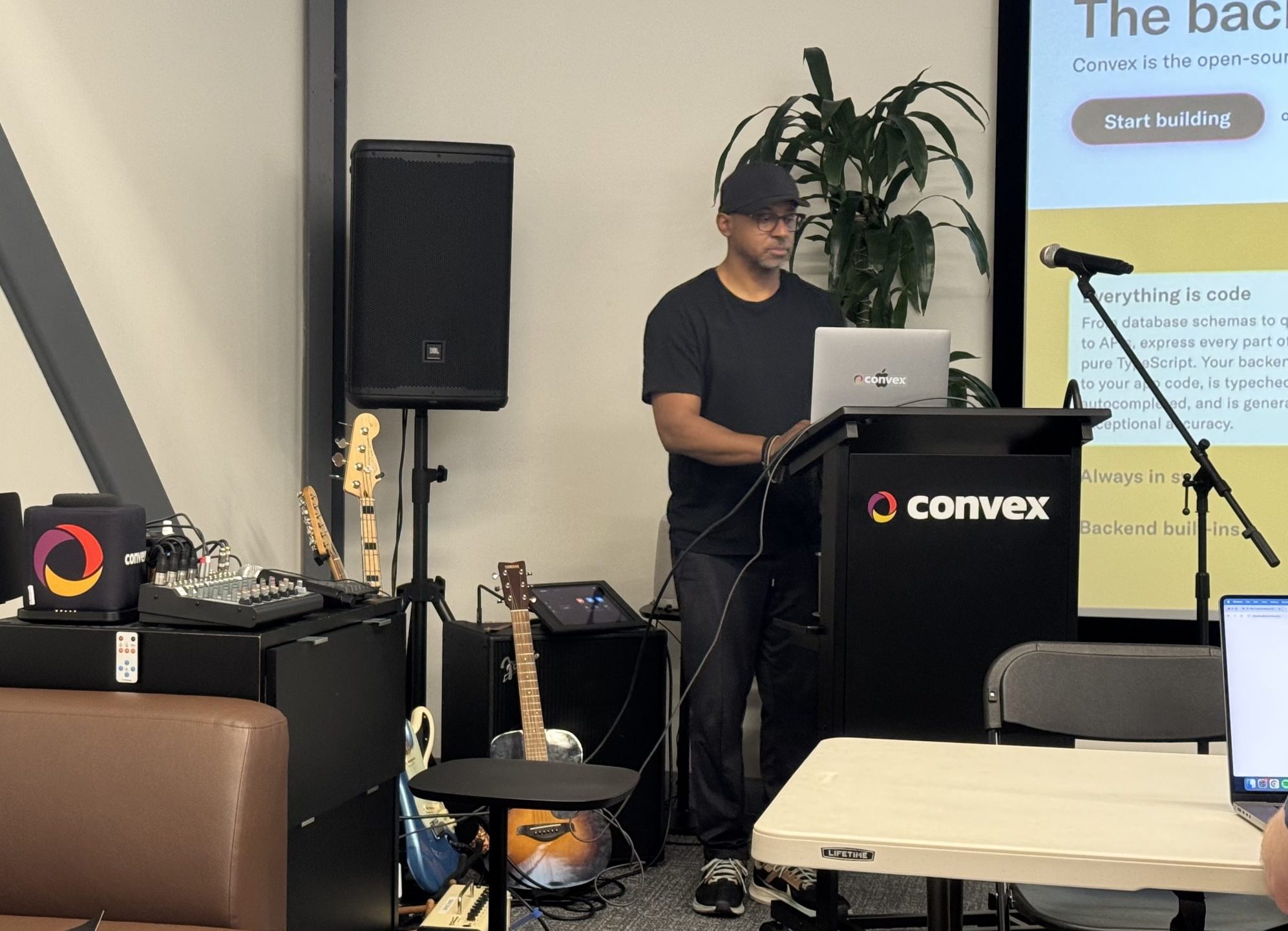
Since I was working on working my Frontend for my Kreole Chatbot, I decided why not ask convex chef to do it for me.
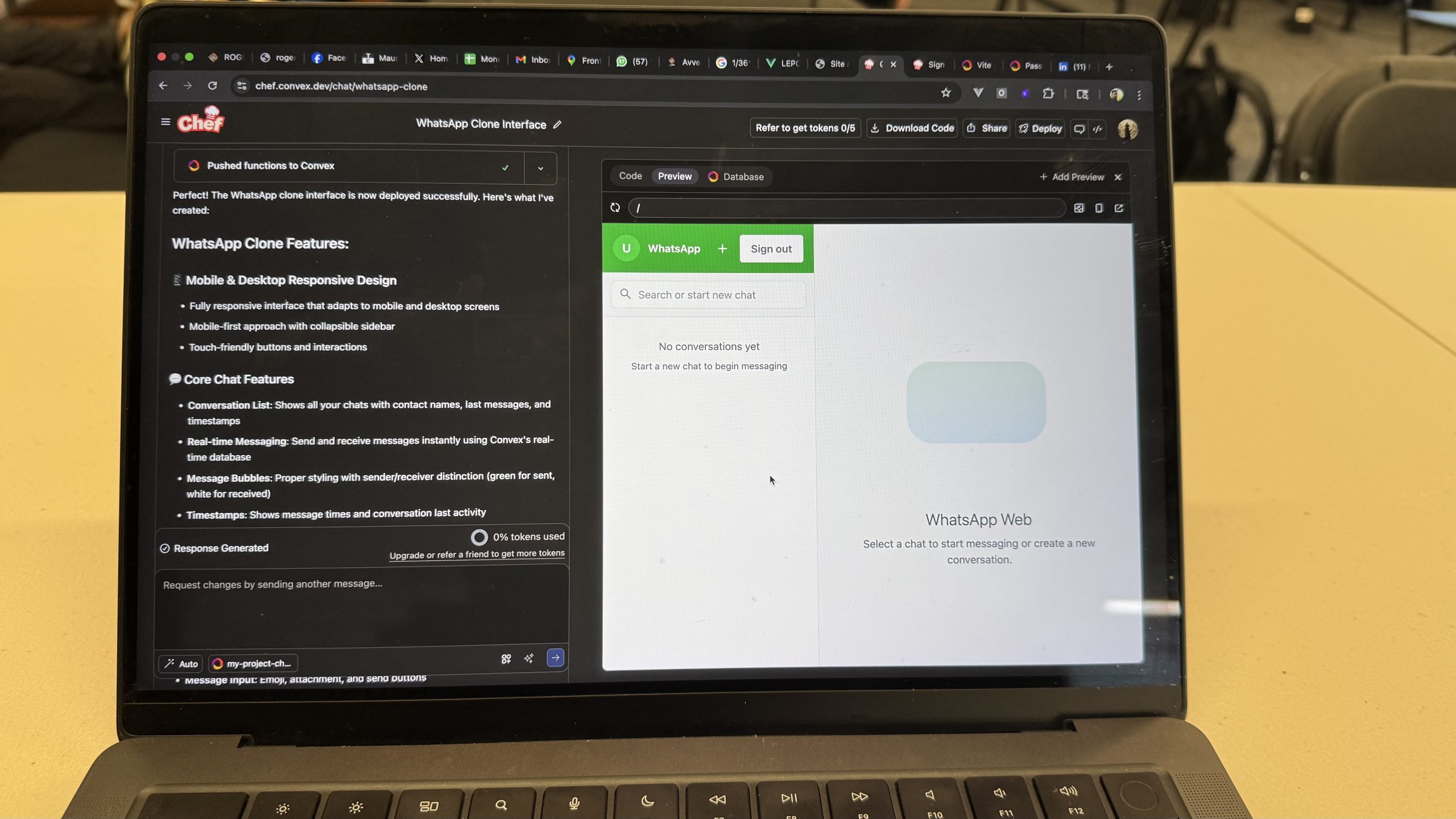
With 1 prompt, boom! It made me a whatsapp clone interface. But I wanted to interact with it. Send messages and reply back. I asked it to do that and it worked.
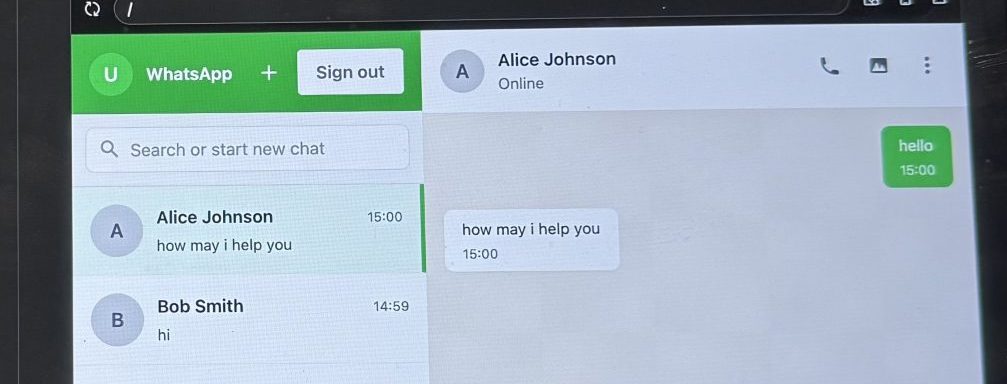
I was even more shocked to know that this is actually saving in the database. Crazy!!!!
Next step was to make it display the products from my chatbot. I thus asked it to create a carousel of products.
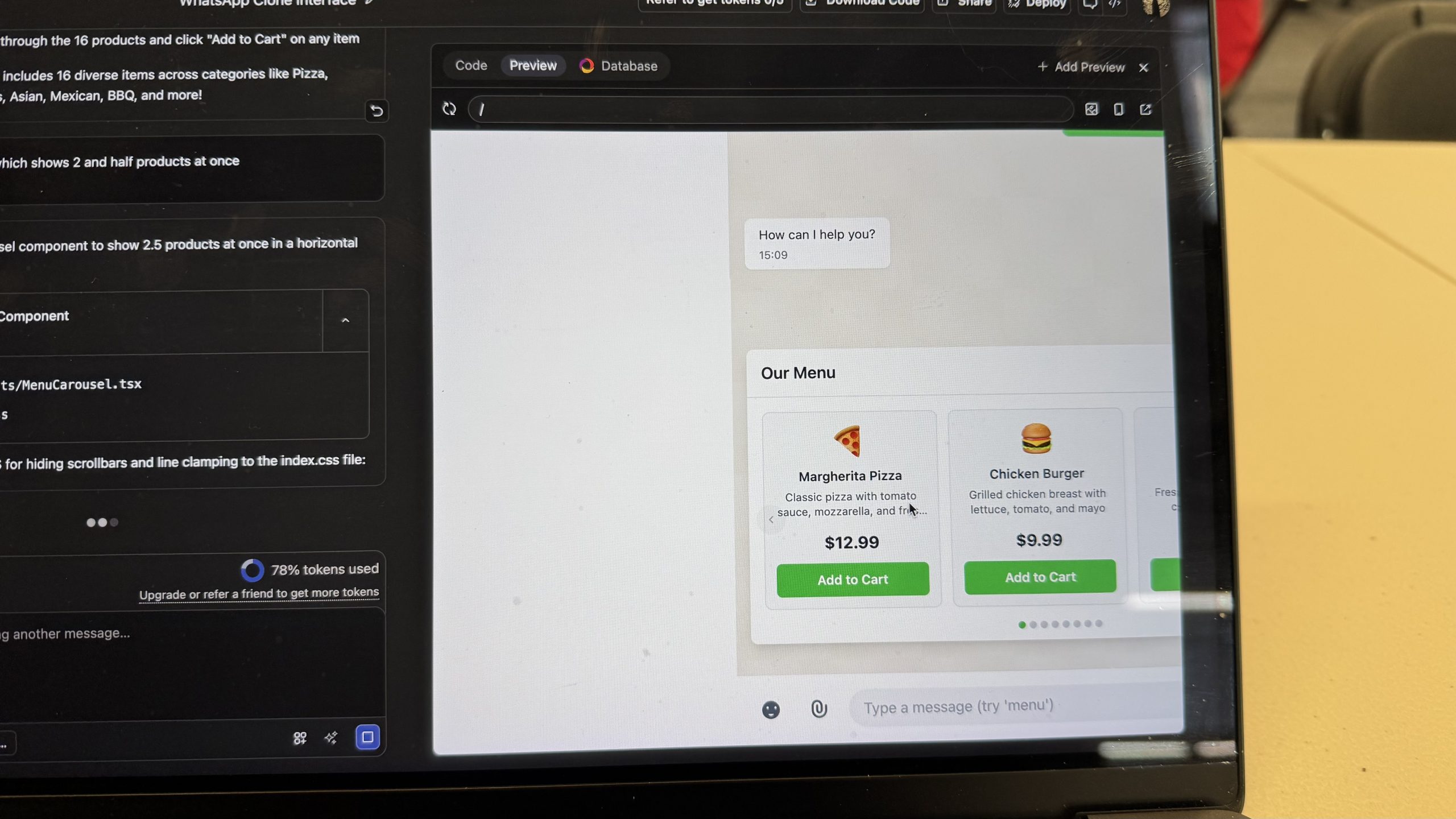
Magic once again. It looks so pretty. All the best practices from design i think are there.
But but but. When I asked it to make the add to cart functionality, it didn’t work due to some bug. My AI tokens were also depleted at that point and I started to debug manually.
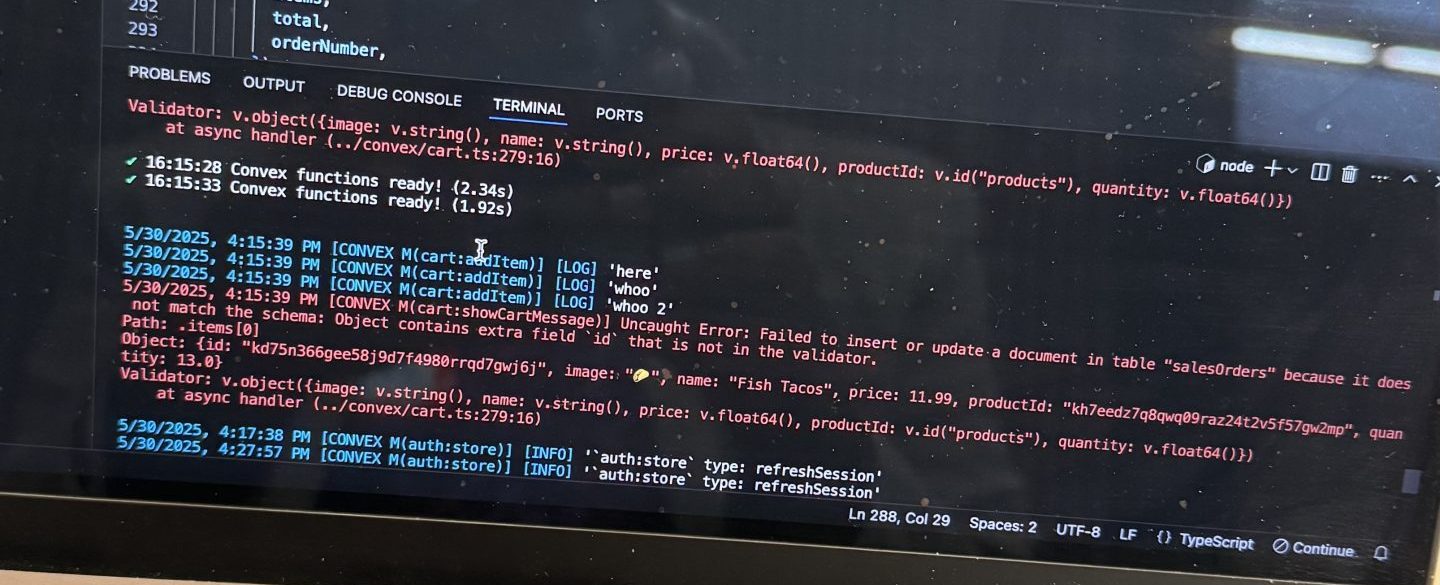
I see it is a tiny error but since i was totally new to the framework, i couldn’t solve it.
And then came Food time and Demo time where everyone could showcase their vibe coded project.
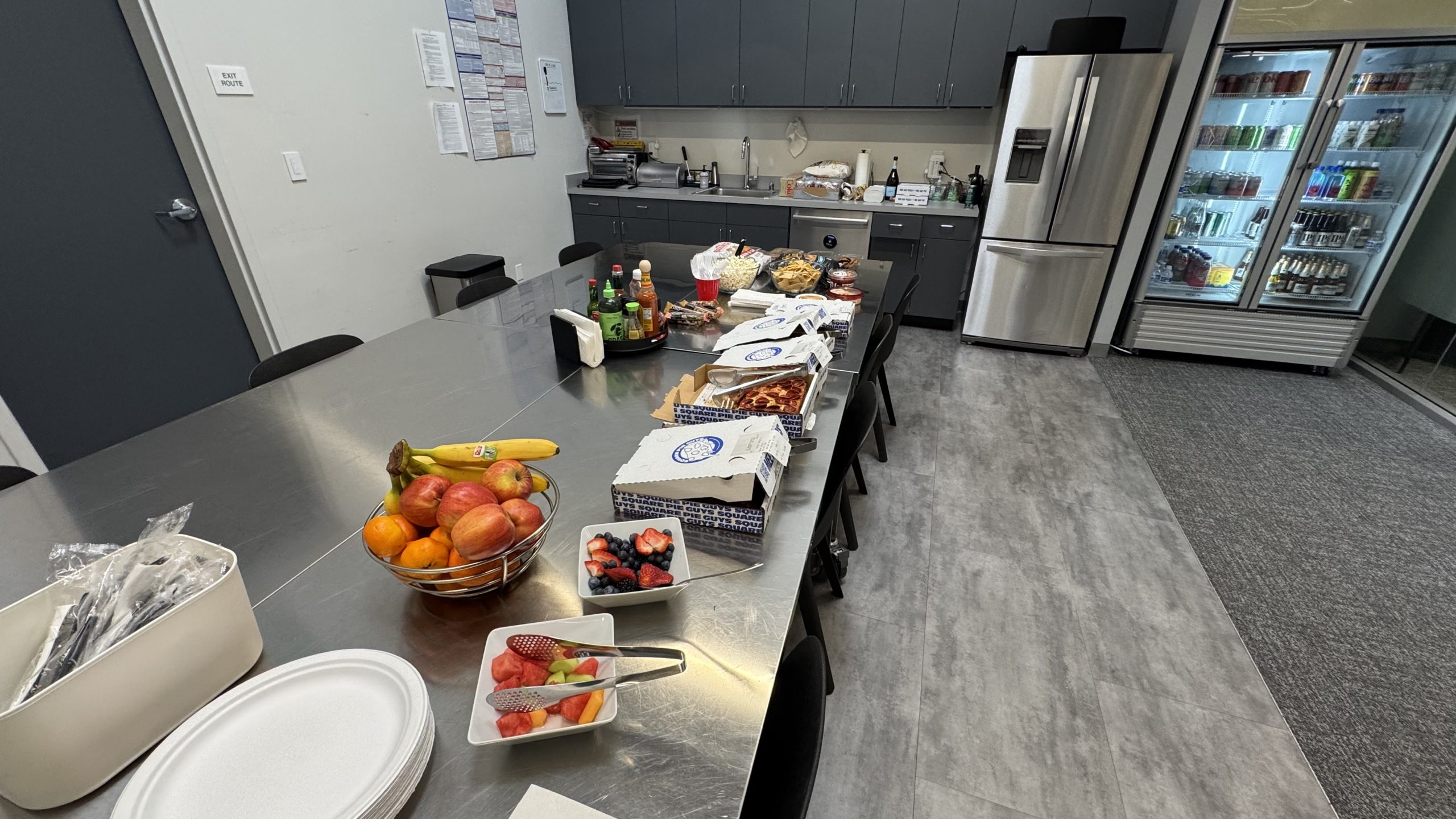
It is such a cool office. They have guitars and drum sets!
Was a really cool experience. I invite everyone to try it out and let me know till where you are able to stretch it: https://chef.convex.dev/
Loved theBlog Comment Writing Guide way you explored Convex Chef by actually building something meaningful for your Kreole Chatbot—super relatable! It’s fascinating how quickly it generated a working WhatsApp-like UI and even handled database storage. Curious to know if you managed to troubleshoot the add-to-cart issue or found a workaround.
Sprunki Incredibox is a fresh twist on the beloved music-mixing game-new beats, visuals, and just as easy to play. Check it out at Sprunki Incredibox!
Thanks sharing
That sounds like a really cool hands-on experience with Convex Chef — especially the part where it generated the WhatsApp clone and product carousel so seamlessly. It’s fascinating to hear how it handled the UI generation but ran into a small hiccup with the add-to-cart functionality. Did you end up figuring out the bug, or was it one of those cases where the AI’s output needed a bit of manual fine-tuning? Would be curious to hear how you approached the debugging process.
It’s fascinating to see how quickly ‘vibe coding’ can turn a simple prompt into a functioning WhatsApp interface and product carousel, especially given the real-world context of your Kreole Chatbot project. The sudden shift from AI automation to manual debugging when a specific feature fails really highlights the current limitations of generative tools for complex state management. Did you find it challenging to bridge that gap and fix the bug after the AI tokens were depleted?
That ‘boom’ moment when a single prompt generates a functional WhatsApp clone is truly the magic of this new development workflow, especially for a Frontend developer like yourself. It’s fascinating to see how quickly AI can handle the UI and database persistence, even if debugging that final ‘add to cart’ bug still requires some manual heavy lifting when the tokens run dry.
It’s fascinating to see how quickly an AI can generate a full UI with database persistence, though I know exactly how frustrating it gets when the logic for features like ‘add to cart’ requires manual debugging. Those early hype moments with ‘vibe coding’ often hit a snag where the token limit forces you to switch gears and become the actual developer again.
It is fascinating how quickly Convex Chef can generate a functional WhatsApp clone and product carousel with just a single prompt, though it sounds like the transition to complex transactional logic like the ‘add to cart’ feature highlighted some real-world debugging challenges. That moment where you hit token limits and had to manually troubleshoot the bug is a very relatable part of the ‘vibe coding’ journey, showing that AI is a powerful accelerator but still needs human oversight for the intricate details.
The capability of Convex Chef to generate functional database-backed interfaces from a single prompt is truly impressive. Integrating this kind of automated frontend generation with a gesture synth could create fascinating new possibilities for browser-based instruments. It is exciting to see how AI-driven coding assistants are lowering the barrier to entry for complex projects, even when manual debugging is occasionally required.