This website was hosted on a 128mB RAM VPS. Lot’s of time with a little traffic, the server would go down.
Finally upgraded to a 512mB RAM with Dual Core CPU. Hope my uptime will be a lot better and hope to be posting more blog articles.
🙂
This website was hosted on a 128mB RAM VPS. Lot’s of time with a little traffic, the server would go down.
Finally upgraded to a 512mB RAM with Dual Core CPU. Hope my uptime will be a lot better and hope to be posting more blog articles.
🙂
Decided to play with LXC again.
Installation on Ubuntu
$ sudo apt-get install lxc
I tried to know what are the features of the software once installed. Usually I just type the command on my console and it is supposed to give the help and description or something.
root@nayar-laptop:~$ lxc

No command 'lxc' found, did you mean:

 Command 'llc' from package 'llvm' (universe)

 Command 'lc' from package 'mono-devel' (main)

 Command 'axc' from package 'afnix' (universe)

 Command 'lpc' from package 'lprng' (universe)

 Command 'lpc' from package 'lpr' (universe)

 Command 'lpc' from package 'cups-bsd' (main)

lxc: command not found
To find the appropriate commands to be used, have to find the executables in /usr/bin
$ ls /usr/bin/ | grep lxc
There I got all the executables I needed to know.
lxc-attach

lxc-autostart

lxc-cgroup

lxc-checkconfig

lxc-clone

lxc-config

lxc-console

lxc-create

lxc-destroy

lxc-device

lxc-execute

lxc-freeze

lxc-info

lxc-ls

lxc-monitor

lxc-snapshot

lxc-start

lxc-start-ephemeral

lxc-stop

lxc-unfreeze

lxc-unshare

lxc-usernsexec

lxc-wait
Or I could have done. Totally forgot that.
man lxc
I now gives all the details about the software. But I am used to have a single executable with the actions passed as parameters. Would it be better if lxc-info was like lxc info?
Docker has a single executable command to run. Anyways. Gotta play with LXC now.
W3School has this code snippet for doing Checkboxes
The result is like this
I have a bike
I have a car
Problem is, people have to specifically click on the checkbox. Lazy people like me would like little cursor movement as possible. Use of labels[1] is important.
Now that I added label tags, click on the label and the checkbox gets activated. Same applies for Radio buttons
Trying the driver from AMD’s website, I got the following error message:
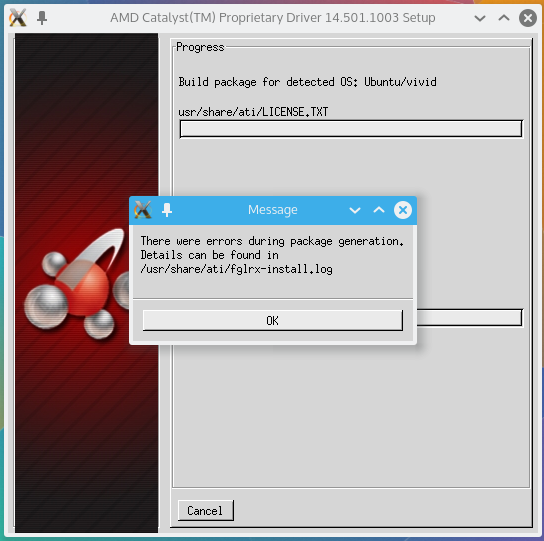
Log files said dh-modaliases was not installed.
# apt-get install dh-modaliases
Running the install script again:

Again failed. Said execstack not found. Grrr
apt-get install execstack
And then, it compiles with a single thread
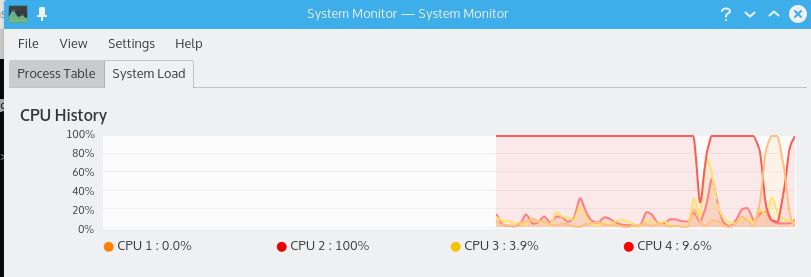
I hate it when programs or not multithreaded :@

After compile it all, Lo! It’s old

Finally decided to try :-/
# apt-get install fglrx

Let’s try a reboot. Maybe it might solve it.

Yes it did!!!
After more than 2 years of suffering with my LG Optimus L5, which is made by the evil himself, i finally bought another mobile. You might be thinking it must be the latest trendy one. But no. It is among the cheapest phone on the market right now. I bought it for Rs 3048. I’m totally satisfied with it.
Auto brightness
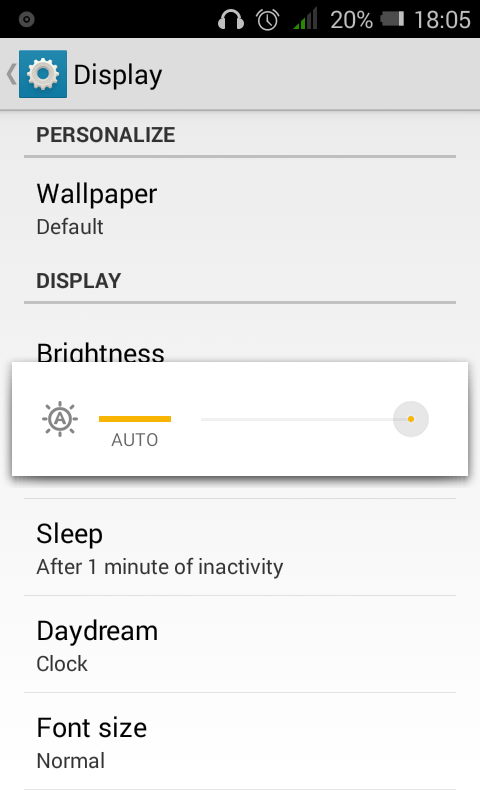
Yep. It has a light sensor integrated.
Camera
From the lock screen, i can just swipe left and the camera opens in less than 2-3 seconds. The camera quality is very usable. It is 5MP actually and also has a front VGA camera which can be used for video calls. Can’t be used for selfies though (not a fan of selfies anyways).
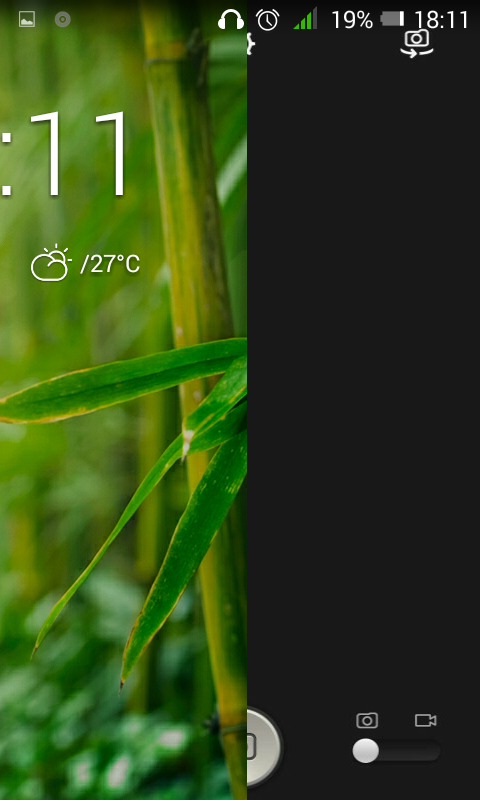
720p video recording
The rear camera can record codes videos by 1280x720p which is not bad at this price.
Dual Core 1.3GHz, 500MB
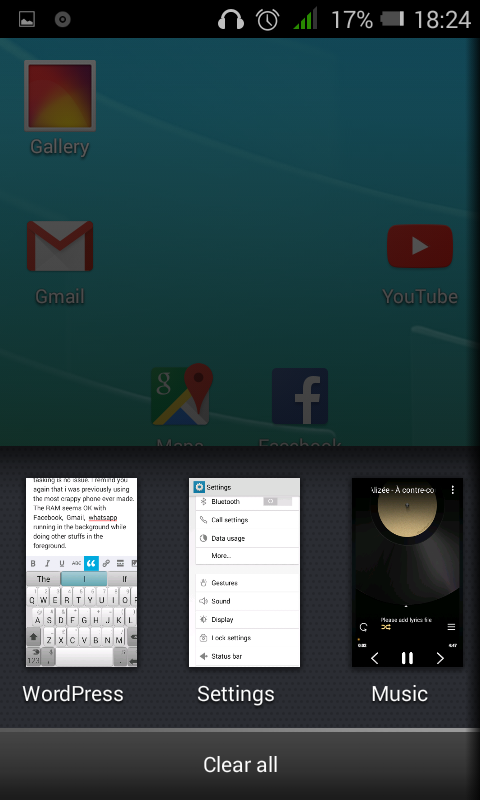
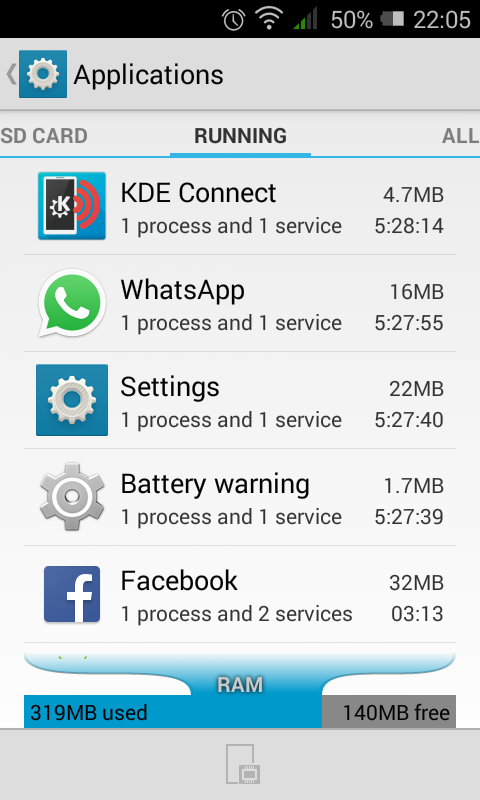
Moving from a 800MHz CPU in my old LG Optimus L5, i find this phone to be a breeze. Browsing the Web, launching apps, multi tasking is no issue. I remind you again that i was previously using the most crappy phone ever made. The RAM seems OK with Facebook, Gmail, whatsapp, KDE Connect, music running in the background while doing other stuffs in the foreground.
Lots of built in apps
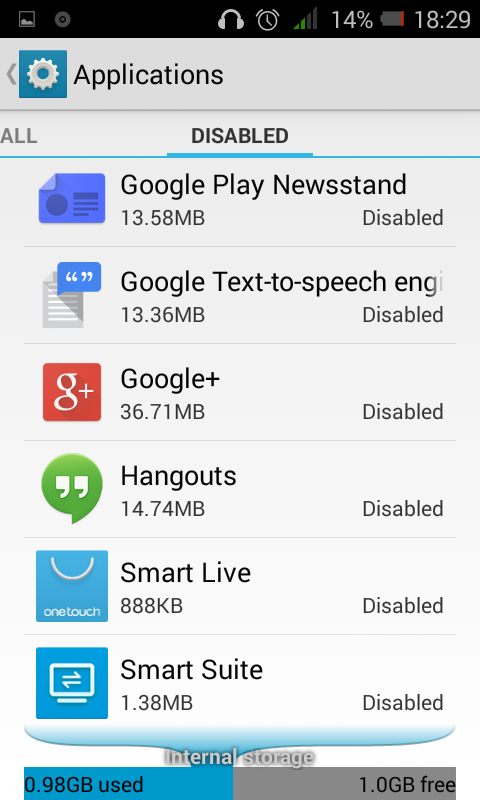
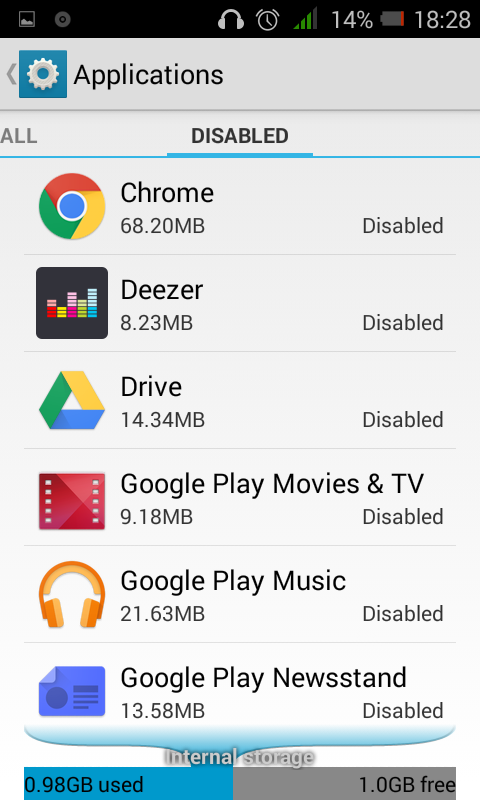
The phone comes with a huge amount of bundlewares. They are not bad actually but i uninstalled most of them and disabled those that couldn’t be uninstalled. Thanks Android for adding the disable feature.
Charging light
When connected through USB, a small LED is lit. Can’t find a setting to disable it. Have to keep the mobile upside down at during charging.
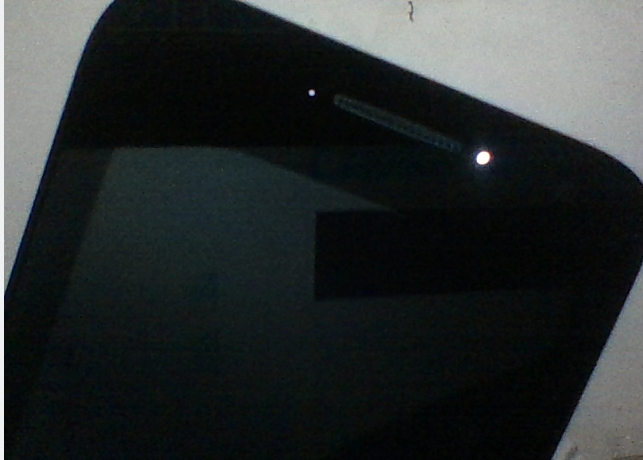
Face unlock
I saw it got the Face unlock capability. Didn’t want to risk trying it for fear that i might not get back in :3
Verdict:
If you need a phone without anything fancy that is usable without slimming your wallet, I’d recommend this phone. 🙂