I take lots of pictures on my mobile phone of nearly everything. Whenever I fuel up my car, I take a picture of my dashboard so that I can remember the date and odometer to be able to calculate my fuel consumption. Another case would be each time I go to supermarket, I take a picture of the receipt provided so that I’ll be able to keep track of my expenses. Going Hiking with friends are also great opportunities to take more pictures. How to sort out everything? Fortunately we have lots of machine learning tools out there. I chose Tensorflow not because I found it to be the best but simply because it has more buzz around it.
Let’s start by viewing our files in Nextcloud which are synced with my Phone.
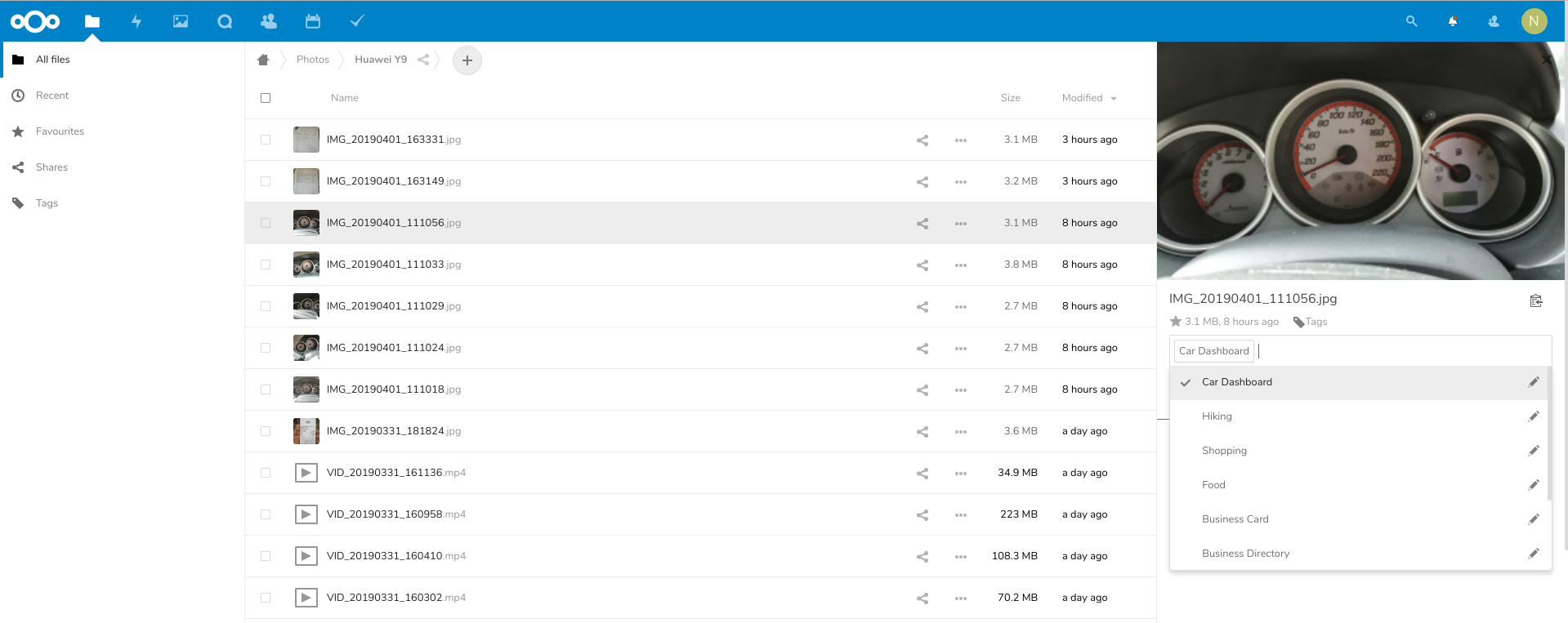
In the above example, I manually looked for car dashboard pictures and tagged them as “Car Dashboard”. Let’s do the same with supermarket receipts, business cars and hiking pictures. I found that we need atleast 30 pictures for TensorFlow to not crash. In case I was feeling lazy, I would just copy/paste the same pictures till I get 30. I am lazy.
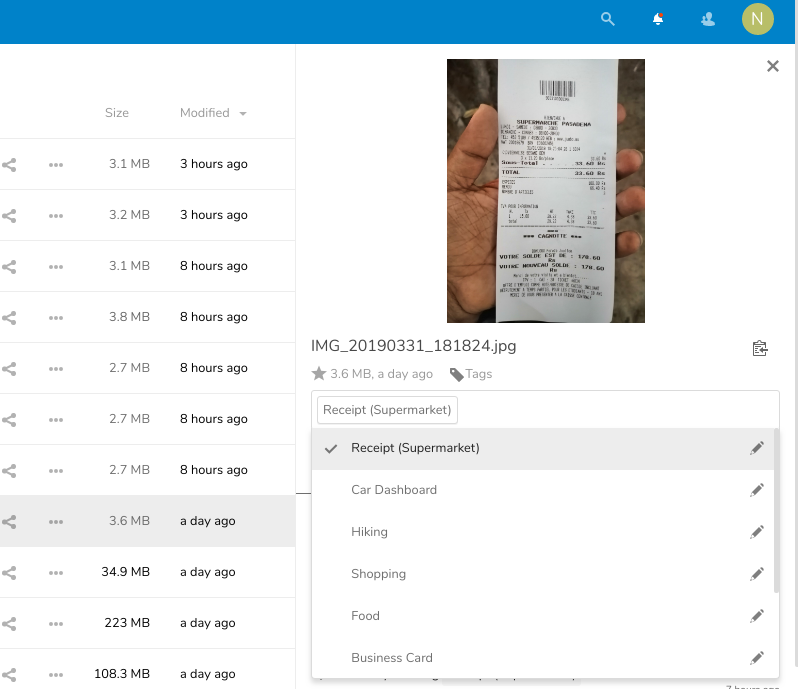
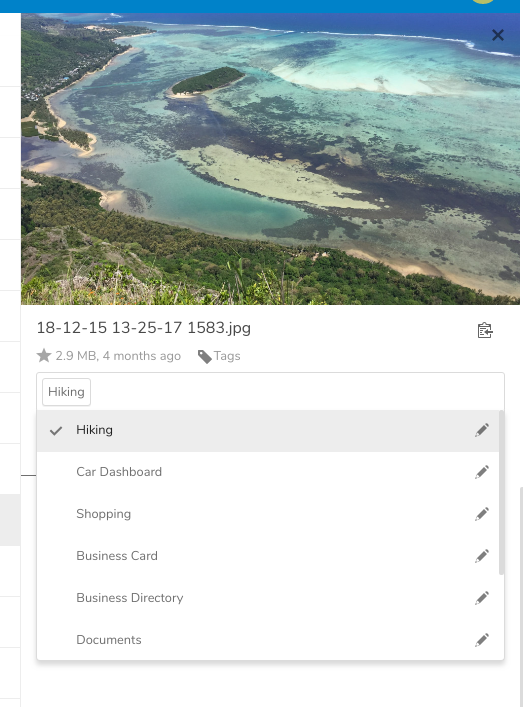
Now that it’s all done with like a few, lets download TensorFlow for Poets 2. You may follow instructions from here: https://codelabs.developers.google.com/codelabs/tensorflow-for-poets/#0
TensorFlow for Poets require you to put your training images into their respective category folder. So we need to download the images we just tagged in the proper way. Nextcloud Offers a WebDAV API as standard. Unfortunately classic python DAV clients would not suffice for our task. We’ll have to create our own methods and overload some.
#git clone https://github.com/CloudPolis/webdav-client-python
sys.path.append(os.path.dirname(os.path.realpath(__file__)) + '/webdav-client-python')

import webdav.client as wc
from webdav.client import WebDavException

class NCCLient(wc.Client):
  pass
We write a function which will download the pictures for each tags specified by their ID and put them inside /tmp/nc/{categoryid}
def download_training_set():
  try:
    client = NCCLient(options)
      for tag in ['2','9','1','3','11','12','14']:
        index = 0
        try:
          os.mkdir("%s/%s/" % (options['download_path'],tag))
        except:
          pass
	for filepath in client.listTag("/files/Nayar/",tag):
	index = index + 1
	filepath = filepath.path().replace('remote.php/dav','')
	local_filepath = '/tmp/nc/%s/%s' % (tag,os.path.basename(filepath))
	if(os.path.isfile(local_filepath)):
	  pass
	else:
	  client.download_file(filepath,local_path=local_filepath)
	if(index > 200):
	  break
	except WebDavException as exception:
		pprint.pprint(exception)
The method listTag is not present in the default DAV classes so we have to write our own in our extended class
Now that we have all our images in their respective folders, we can run TensorFlow for Poets.
IMAGE_SIZE=224
ARCHITECTURE="mobilenet_0.50_${IMAGE_SIZE}"

python3 -m scripts.retrain   --bottleneck_dir=tf_files/bottlenecks   --how_many_training_steps=100   --model_dir=tf_files/models/   --summaries_dir=tf_files/training_summaries/"${ARCHITECTURE}"   --output_graph=tf_files/retrained_graph.pb   --output_labels=tf_files/retrained_labels.txt   --architecture="${ARCHITECTURE}"   --image_dir=/tmp/nc/
What’s left now is to download all images from Nextcloud and try to label them with the TensorFlow model. We write the classify_data() function. All images downloaded are renamed as follows /tmp/nc_clasify/{nextcloudfileid}.png.
When the classify function is run on each of the images, they are renamed if the label accuracy is greater then 99.9%. Else they are deleted. The renaming scheme is as follows /tmp/nc_classify/{tagname}-{tagid}-{nextcloudfileid}.jpg
We have to manually check if some images are mislabeled and we simply delete them from the folder. Finally we need to send the labelled images info back to NextCloud. We write the function as follows:
def update_classification():
  client = NCCLient(options)
  files = os.listdir('/tmp/nc_classify/')
  for f in files:
	match = re.search('(.*)-(.*)-(.*).jpg', f)
	print(match.group(2),match.group(3))
	client.putTag(int(match.group(3)),int(match.group(2)))
	os.remove('/tmp/nc_classify/' + f)
The putTag function is also custom. Please see the gist. And there you go.
Repeat the same process multiple times till your training data get bigger and bigger and it starts to classify more and more images.
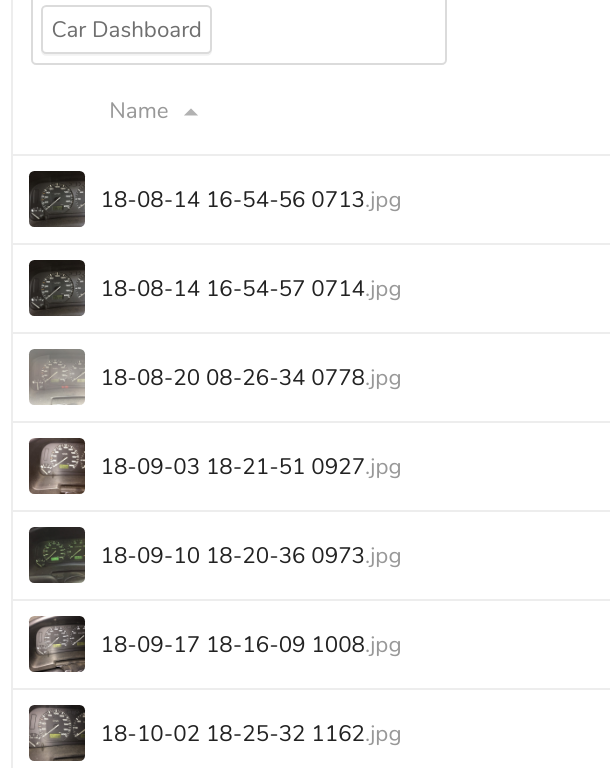

Now the next step would be to dig deeper into tensorflow and OCR to automate lists of items I buy from the supermarket and make it generate reports for me.