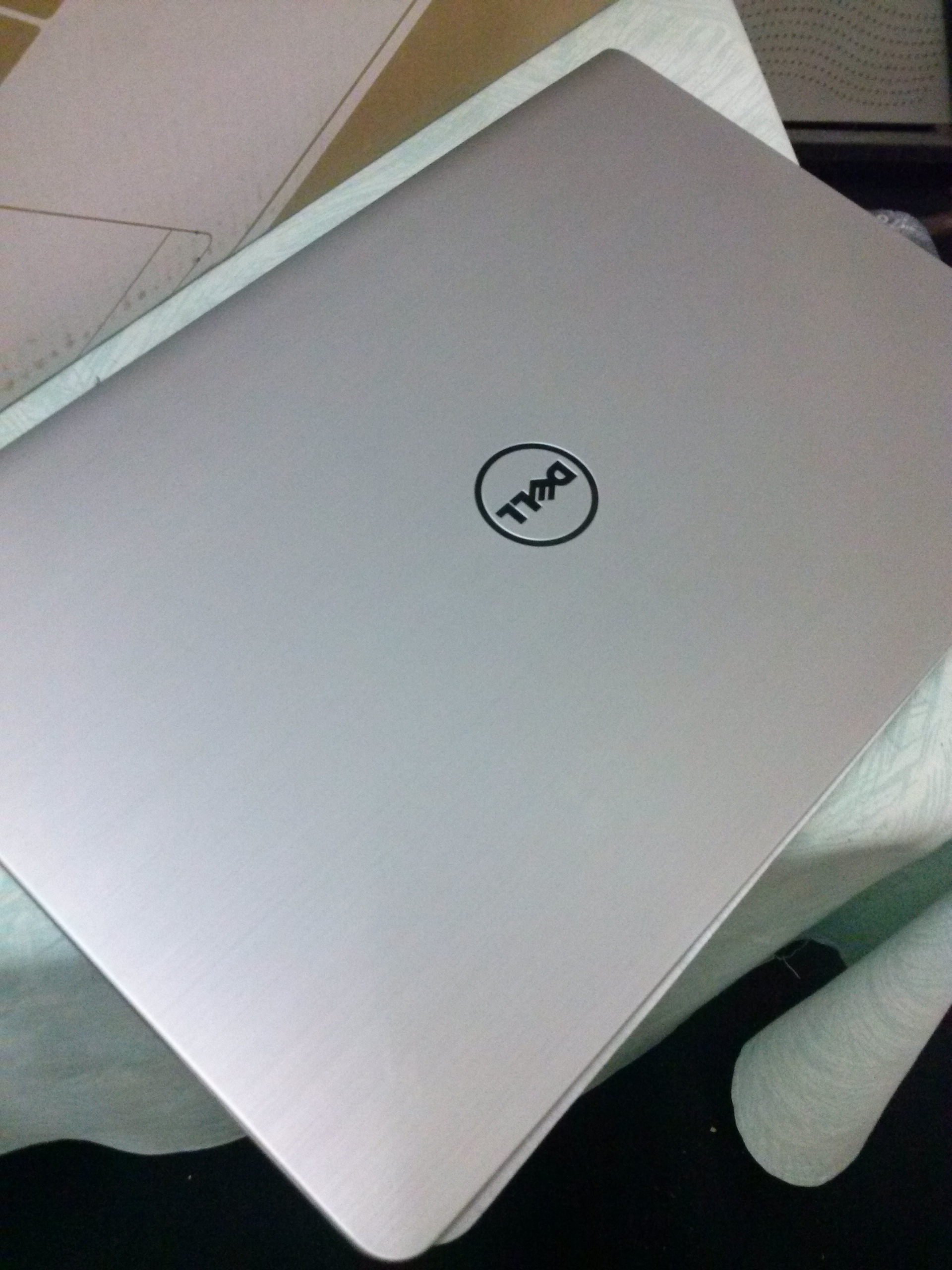
My New Laptop: Dell Inspiron 5547 (Hardware)

Quick Specs:
– CPU: Core i7 up to 3.1GHz
– RAM: 8GB
– GFX: AMD Radeon with 2GB VRAM + Intel HD Graphics 4400
– HDD: 1TB
– Screen: 15.6″ @ 1366 x 768
CameraZOOM-20141120124839980

CameraZOOM-20141121220522091

Technical Specs:

CPU: Intel® Core i7-4510U Processor (4M Cache, up to 3.10 GHz)

My previous laptop had a dual-core CPU (Core i5-480M) which could achieve 2.9GHz. The current CPU despite being a Core i7, is still a dual-core which can attain 3.1GHz only. It has 4MB L3 cache which i hope helps in extra performance.

Only benchmarking can tell whether this CPU is worthwhile over my previous Core i5. (Benchmark coming soon)

RAM: 8GB

My previous laptop had 4GB RAM (it was originally 3GB). Hope the 8GB will be sufficient for the next 2 years.

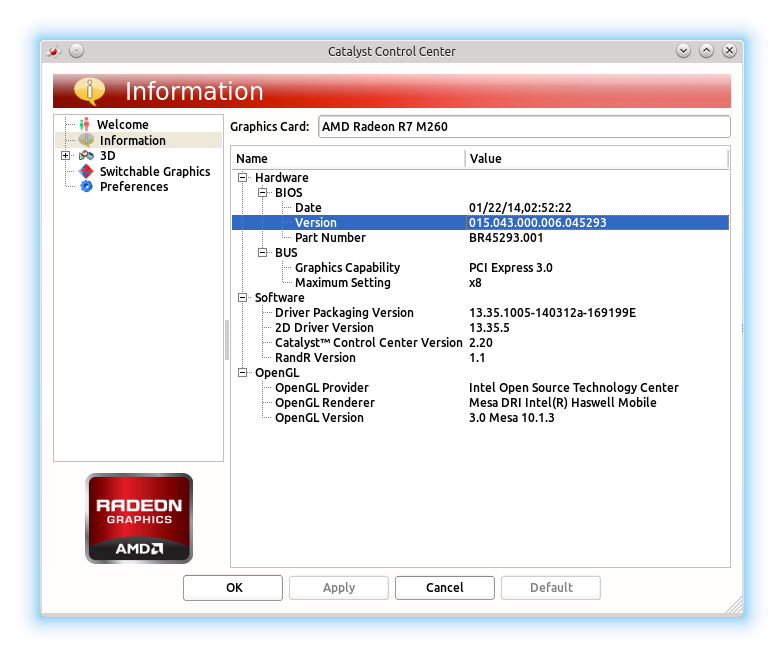
Graphics: AMD Radeon R7 M260 (2GB VRAM) + Intel® HD Graphics 4400

Finally a graphic card in my house 😀 Hope I can play some games now even if games are in range of 2005 – 2010. I’m fine with that.
snapshot16

The nice thing is that the dedicated Radeon graphics can be switched off when not needed thus saving battery life 😀

Storage: 1TB HDD

No SSD drive unfortunately. You can actually *feel* the Hard Drive hindering the performance of the laptop while the CPU tells you to feed him more. Must swap the drive for an SSD in the future. Only then the real power would be unleashed!

Screen: 15.6″ @ 1366 x 768

Nothing extraordinary here. Just like any other laptop on the market. Wished it were 1080p :-/

Misc

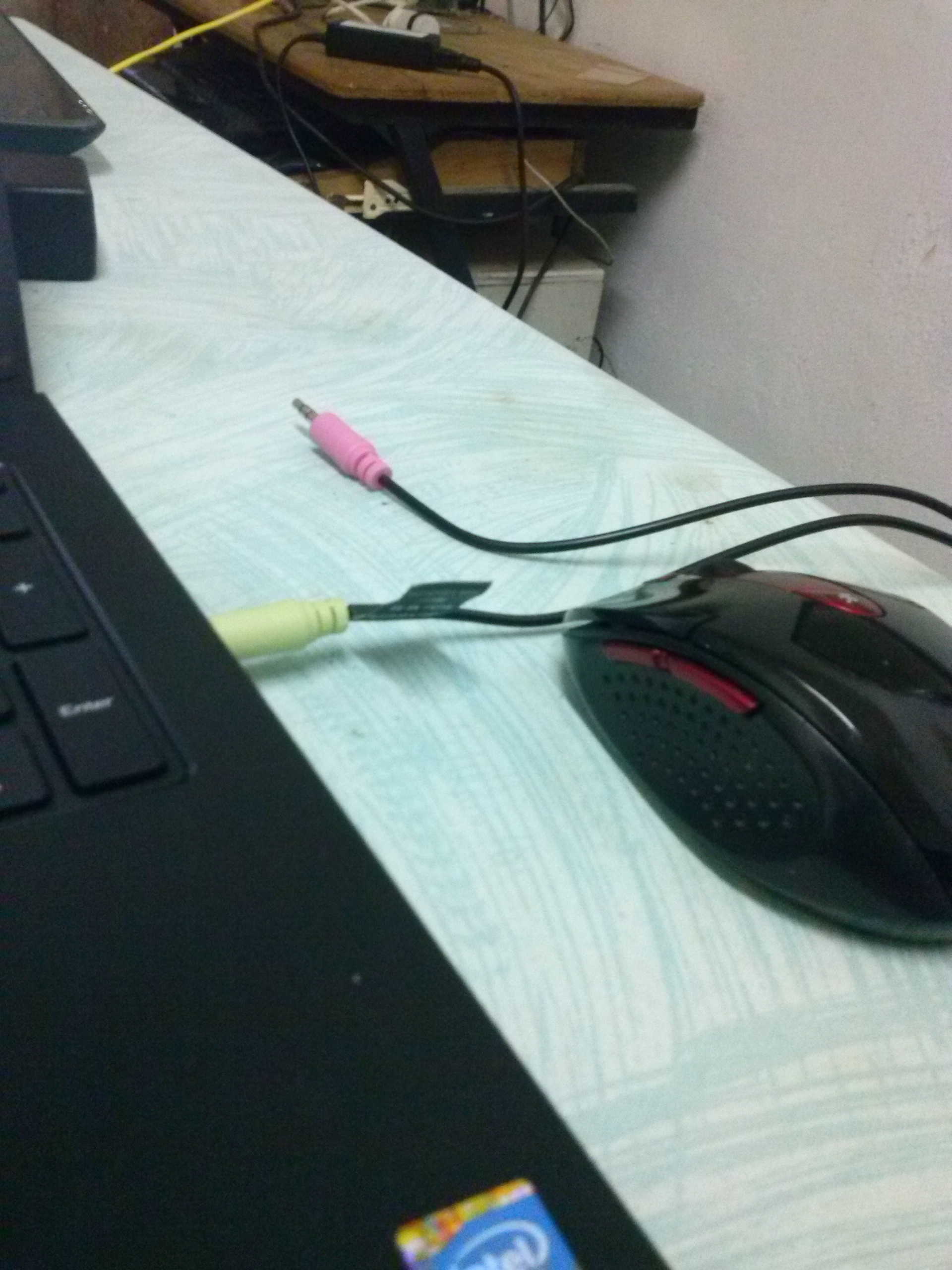
Audio Jack

It got a single audio jack on the right. It can be quite inconvenient since i am right handed and i usually use a mouse.
CameraZOOM-20141120165452034

It doesn’t has a dedicated port for mic so i’ll have to buy a ‘jack splitter’ to be able to use my headset’s mic.

Keyboard

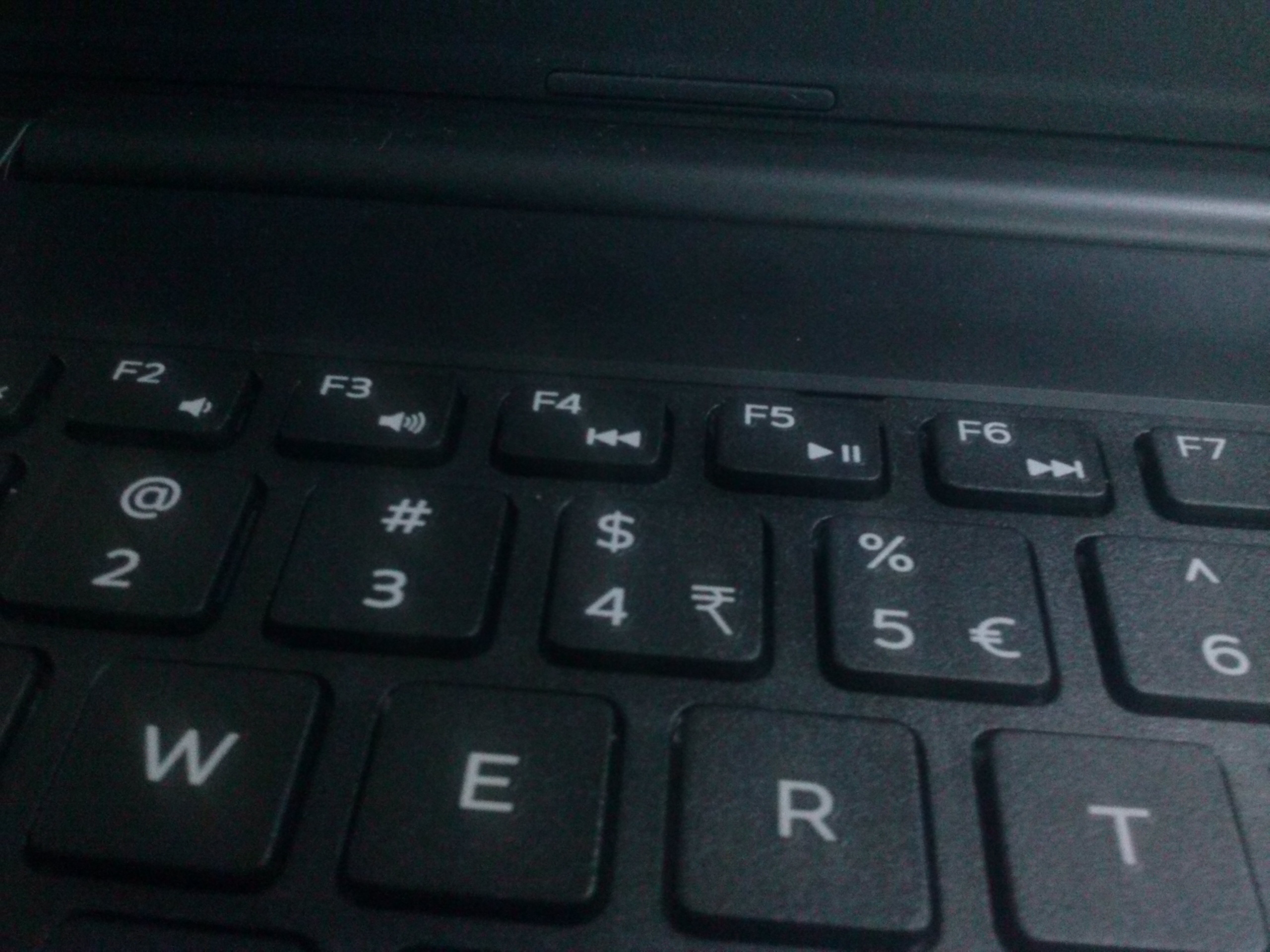
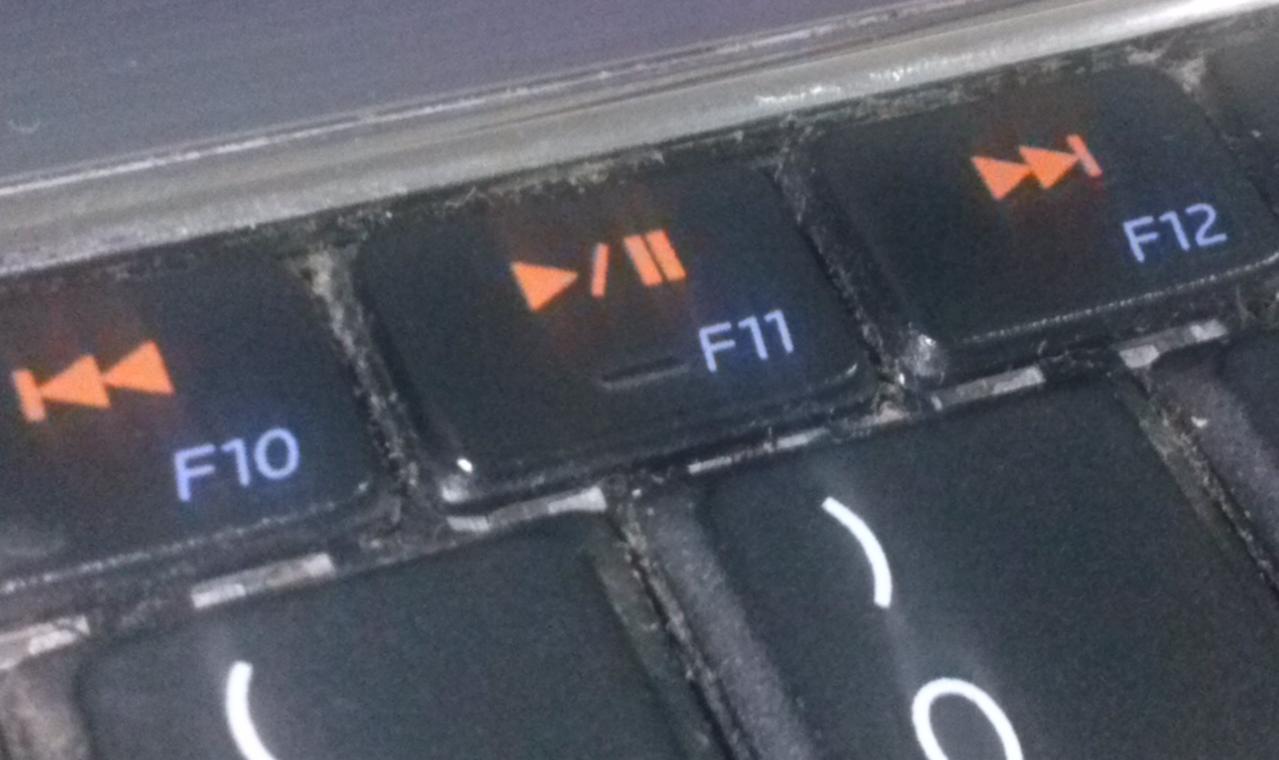
Kinda disappointed that the media shortcut buttons (Play/Pause, Next, Previous) do not have a button bump like my previous laptop had on Play/Pause.
Keyboard Bump on Inspiron N5010

vs

Inspiron 5000 Media Buttons

Changing music would now require me to obligatorily look at the keyboard instead of using my finger senses. Causes inconvenience in the dark or when focusing on something important.

Touchpad

This one has a huge touchpad. The surface is not as smooth as my Inspiron N5010. I feel as if my fingers would be used after sometimes. I prefer small touchpad which are fast and butterly smooth like my previous laptop

Coming Up: Getting Started with Kubuntu 14.04 LTS

Installing Kubuntu 14.04 alongside Windows 8.1 with both Secure Boot and EFI ON was a breeze.

Stay tuned…

Ubuntu servers SHOULD be LTS

I was young. Bleeding edge was what i wanted. Little i knew that non-LTS Ubuntu releases become obsolete after 9 months (ref).

After reading a lot about the shell-shock, I tested whether my VPS was vulnerable to it. And it was! It was an Ubuntu Server 13.10.

I thought a simple apt-get update && apt-get upgrade would fix it. But no. The repositories were obsolete. I was getting errors like these:


W: Failed to fetch http://archive.ubuntu.com/ubuntu/dists/raring-security/restricted/binary-i386/Packages 404 Not Found [IP: 91.189.88.153 80]
W: Failed to fetch http://archive.ubuntu.com/ubuntu/dists/raring-security/universe/binary-i386/Packages 404 Not Found [IP: 91.189.88.153 80]
...

Following this guy’s advice on Askubuntu.com was life saving.


$ sudo sed -i -e 's/archive.ubuntu.com\|security.ubuntu.com/old-releases.ubuntu.com/g' /etc/apt/sources.list
$ sudo apt-get update && sudo apt-get dist-upgrade
$ sudo apt-get install update-manager-core
$ sudo do-release-upgrade

All seemed to go fine until i got an error saying:

import apt ImportError: No module named apt

More googling led me to this post on stackoverflow. I ran the following command:

$ apt-get install python-apt

do-release-upgrade was able to continue then. After pressing yes to multiple questions, few reboots, my Ubuntu server was finally on Ubuntu 14.04 LTS 😀

The Bash Patch

Logan made a little presentation titled “Shellshock: Survival guide” at the Univeristy of Mauritius (UoM).

Logan said that he was suggesting a patch that would consist of disabling certain “features” of Bash. According to Google and other people, it would break the internet as the patch would not be backwards compatible.

Personally, I feel a perfect patch would do these following 2 things:
1. Fix the shell shock bug
2. Not break existing applications

From the presentation, it seemed to me that the shell shock problem could be fixed by just fixing the parser or maybe in the future use a drop-in replacement parser.

Logan then mentioned that the parser is linked to a network interface which complicated stuffs. He suggested that the parser should be separated from the network interface and thus breaking lots of existing applications which does not fall into the category of perfect patch.

There was not enough demos of vulnerabilities in the presentation except the shell shock test which everyone is posting on the internet

$ env x='() { :;}; echo vulnerable' bash -c 'echo hello'

Logan was suggesting to use his hardened Bash patch inside Linux containers (LXC, docker) so as you can make only your application compliant to the hardened Bash rather than making your whole operating system compliant.

Anyways, due to lack of information on the subject, I can really decide whether Bash can be ever “fixed” or not.

Network Restart on Ubuntu >14.04

I used to use the commands below a lot:

$ sudo service networking restart

But it fails giving the following output

stop: Job failed while stopping
start: Job is already running: networking

After some googling , seems like we need to restart network-manager instead.

$ sudo service network-manager restart

I’m trying to bridge an LXC container to my home LAN but i kept screwing my /etc/network/interface and had to restart my laptop each time.