Made a tiny calculator in a jiffy. Nothing fancy in here to see. Just seeing how the platform works 😉
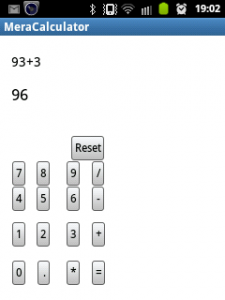 Making the interface:-
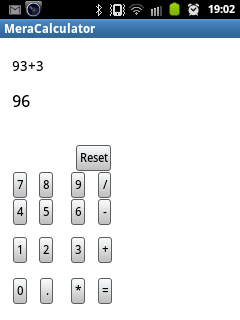
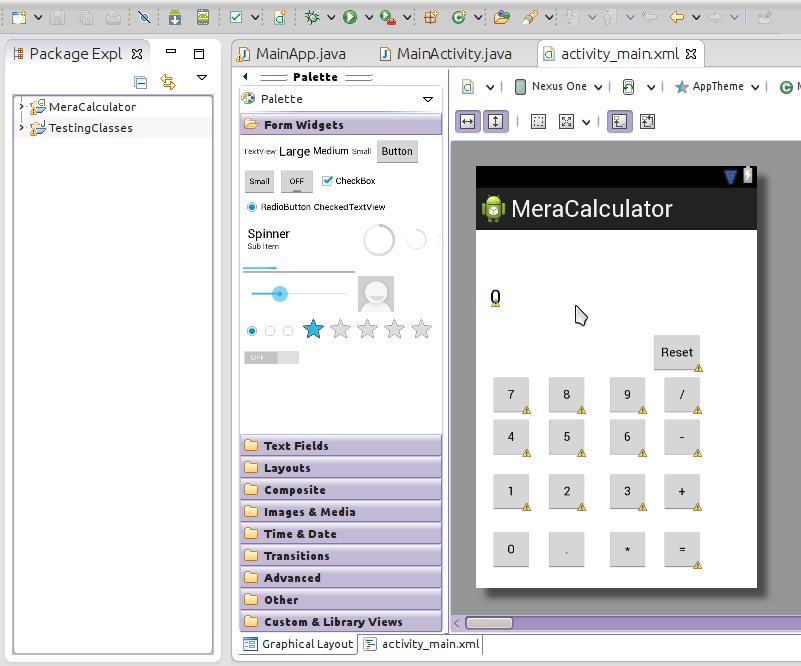
Adding Buttons:-
All you have to do is drag the item you want to the specific place you want them to be like in VB.NET
Adding function call to the buttons:-
Switch from the graphical view to xml view. Add this attribute in the buttons inserting the name of the function to be called.
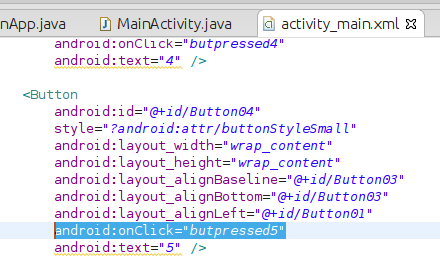 I added this attribute in all buttons.
Writing the Back-End:-
The number button handlers:-
Now we create methods in java file found in /src folder. Each button when pressed will concatenate the number or arithmetic operation they do and display it in a TextView named “textView1”.
The calculate function:-
We get the string in “textView1” and try to parse it in a function to get a result. The result is then casted as string then the TextView which will display the answer finally displays it 🙂
The program is very buggy and cannot calculate e.g. + and – at the same time. But at least i got a program running in Android 😛
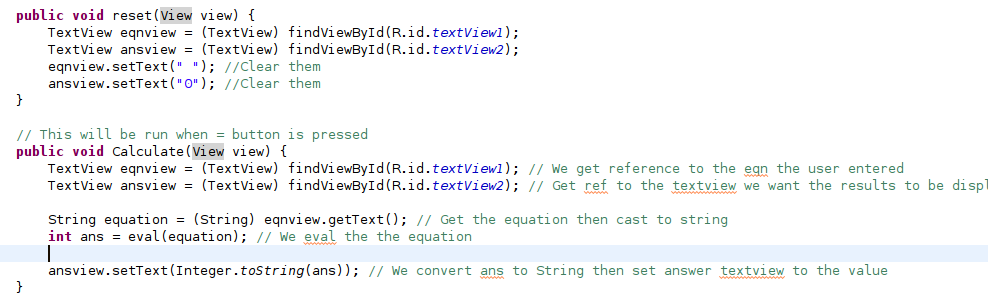
Here are the source codes. The .apk file is found in bin folder: MeraCalculator