New Mobile: Alcatel One Touch Pop D3

After more than 2 years of suffering with my LG Optimus L5, which is made by the evil himself, i finally bought another mobile. You might be thinking it must be the latest trendy one. But no. It is among the cheapest phone on the market right now. I bought it for Rs 3048. I’m totally satisfied with it.

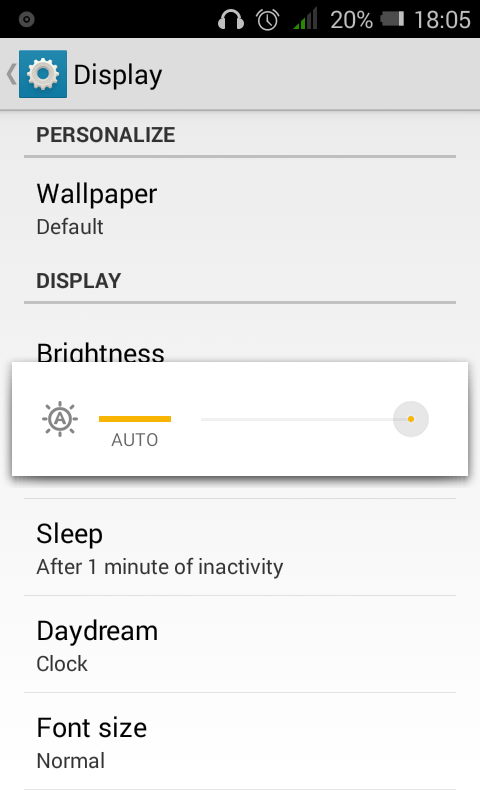
Auto brightness
image
Yep. It has a light sensor integrated.

Camera
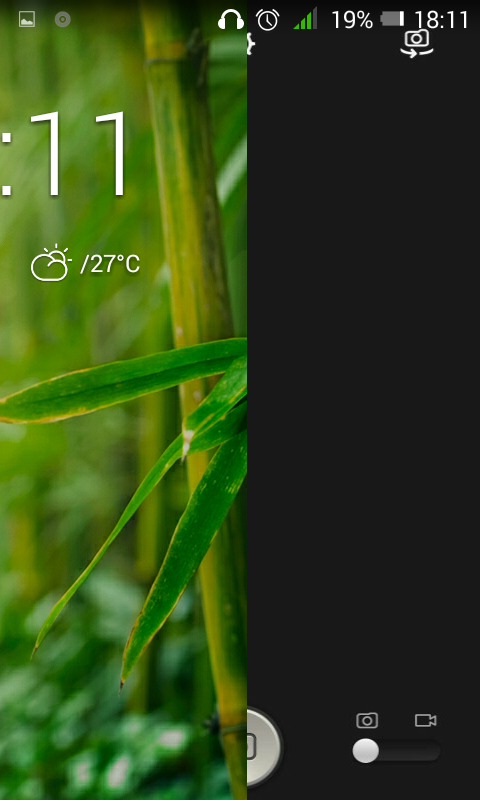
From the lock screen, i can just swipe left and the camera opens in less than 2-3 seconds. The camera quality is very usable. It is 5MP actually and also has a front VGA camera which can be used for video calls. Can’t be used for selfies though (not a fan of selfies anyways).
image

720p video recording
The rear camera can record codes videos by 1280x720p which is not bad at this price.

Dual Core 1.3GHz, 500MB
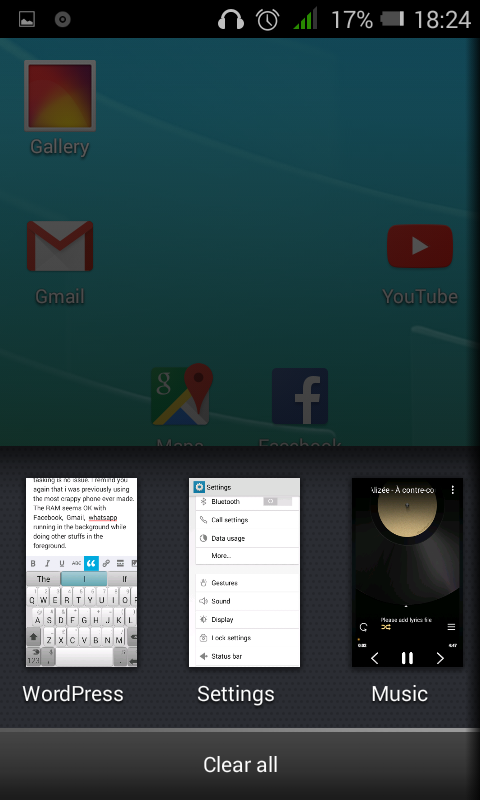
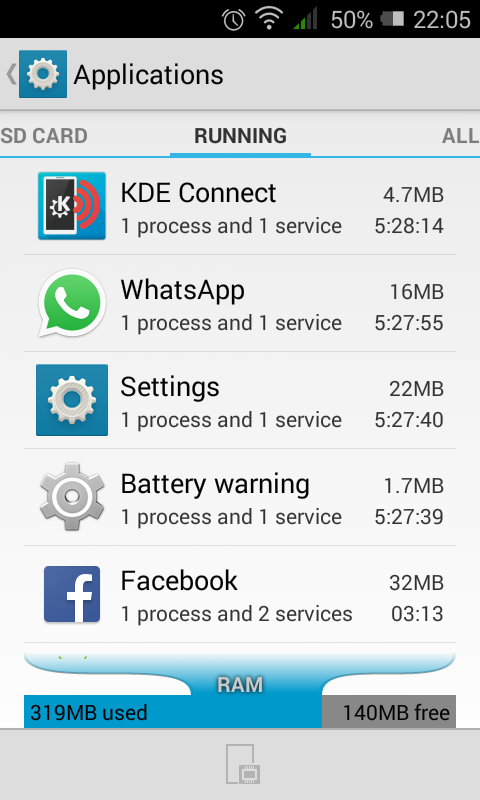
Moving from a 800MHz CPU in my old LG Optimus L5, i find this phone to be a breeze. Browsing the Web, launching apps, multi tasking is no issue. I remind you again that i was previously using the most crappy phone ever made. The RAM seems OK with Facebook, Gmail, whatsapp, KDE Connect, music running in the background while doing other stuffs in the foreground.
image

image

Lots of built in apps
The phone comes with a huge amount of bundlewares. They are not bad actually but i uninstalled most of them and disabled those that couldn’t be uninstalled. Thanks Android for adding the disable feature.
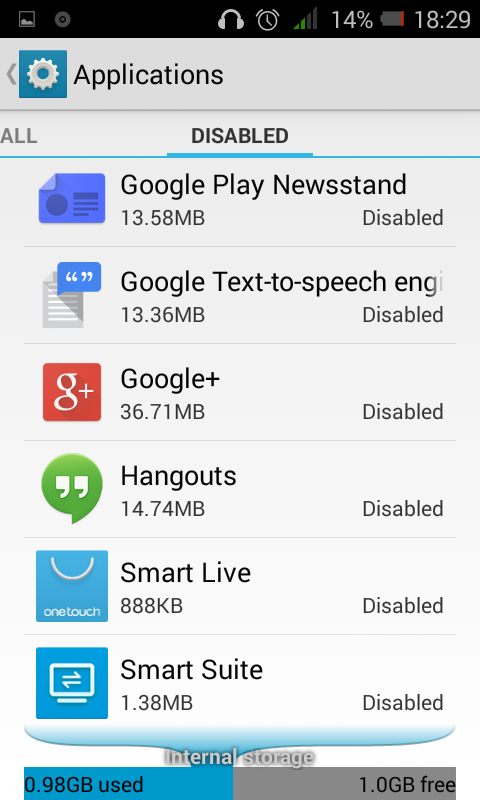
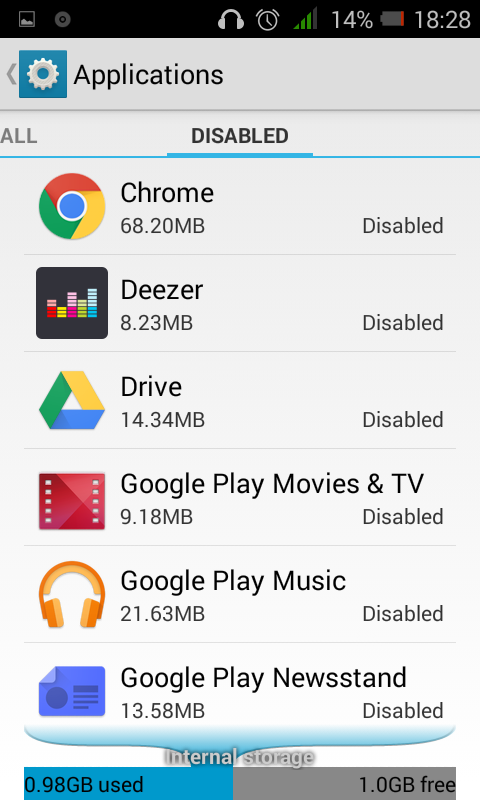
image

image

Charging light
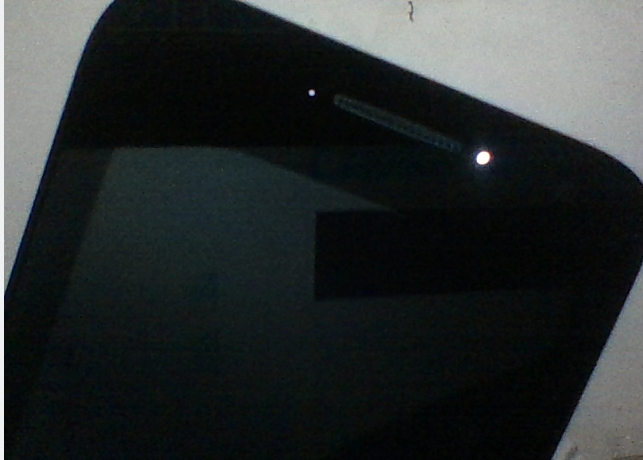
When connected through USB, a small LED is lit. Can’t find a setting to disable it. Have to keep the mobile upside down at during charging.
snapshot1


Face unlock

I saw it got the Face unlock capability. Didn’t want to risk trying it for fear that i might not get back in :3

Verdict:
If you need a phone without anything fancy that is usable without slimming your wallet, I’d recommend this phone. 🙂

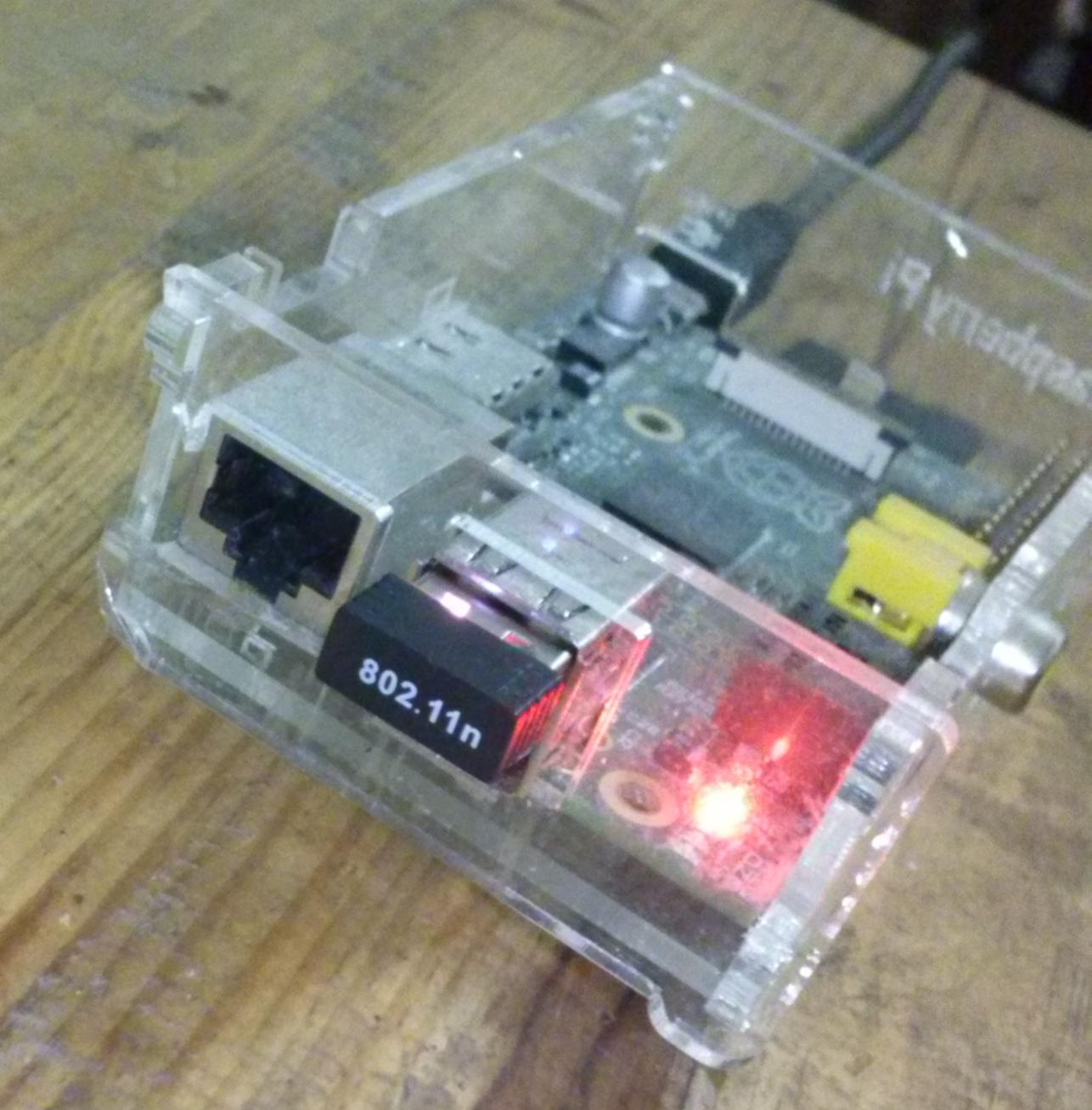
Cheap $2 WiFi adapter to work on Raspberry Pi (mt7601)

Raspberry Pi mt7601 WiFi
Had this WiFi adapter since more than 9 months. Raspbian couldn’t recognize it. Further reading shows that the driver is not included in the kernel and might never be too.

I came across this project on Github but again, could not get it to compile.

Googling more, came across this post. Running the code below solved it 😀


$ wget https://dl.dropboxusercontent.com/u/80256631/mt7601-3.18.7-755.tar.gz
$ tar xzf mt7601-3.18.7-755.tar.gz
$ ./install.sh

Now I can complete my project about controlling a toy car by a phone’s gyroscope using REST API

Debian

I was charged of implementing a tunnel with RObust Header Compression (ROHC). Boss asked me which server you want to do the job? Naturally, I said Ubuntu. He said, OK, I’ll give you Debian. I said to myself it shouldn’t be a hassle Ubuntu and Debian are same. Ubuntu is derived from it. But to my surprise, Debian seems to be another Operating System completely.

sudo

First surprise, Debian doesn’t comes with sudo. On my VPS on which i had only root account, I installed sudo and created another user instead of root directly


# adduser nayar sudo
# apt-get install sudo
# su nayar
$ sudo blah blah...

When I installed Debian in my VirtualBox, it would ask a password for root and another password for the user. If i remember well, Ubuntu doesn’t asks for password for root. Do you think it’s a security issue for user root to have a password? My gut says so. Not proven.

Certificate Authority (CA) with OpenSSL

I was following a tutorial which says run the following code

/etc/ssl/misc/CA.pl -newca/usr/lib/ssl/misc/CA.pl -newca

apt-get install

The following command would yield the same results on Ubuntu as well as on Debian. They’re classics.

# apt-get install gcc cmake build-essentials git

But for other stuffs, gotta hunt real hard to know which package is providing for x library or modules. Why are there these diferences? grrrrr

Anyways, these differences are making me learn a lot but delays my work though.